Short verdict
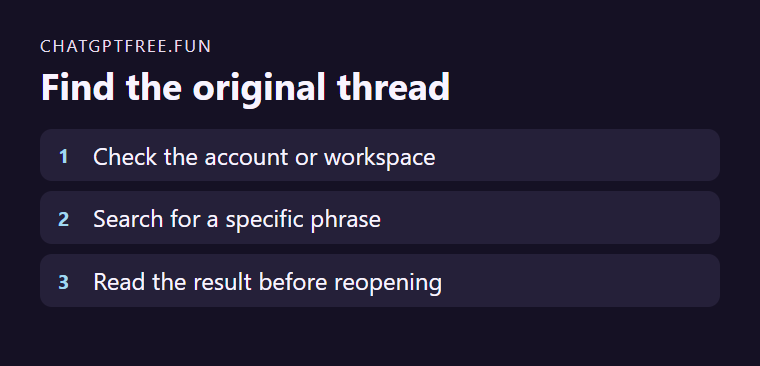
Use sidebar search in the ChatGPT account or workspace where you wrote the conversation. OpenAI's help says it can match words from a chat's title or messages. Archived chats may appear in results. A deleted conversation cannot be restored by searching.
Use sidebar search in the ChatGPT account or workspace where you wrote the conversation. OpenAI’s help says it can match words from a chat’s title or messages. Archived chats may appear in results. A deleted conversation cannot be restored by searching.
Choose words from the old conversation
If a chat about an invented event was titled “Schedule,” search instead for something distinctive you wrote, such as “river hall rehearsal.” Check the result type and open the matching conversation. Confirm the date and contents before continuing the wrong thread.
Check scope if the term finds nothing
If you previously locked the chat, open Projects → Locked chats and use your account PIN or supported device authentication, as described in OpenAI’s search help.
Search across available content types when a filter excluded the likely item. Confirm you are in the original workspace. Try a shorter distinctive word from the body if the title changed. For important reusable answers, keep a local note naming the conversation and the relevant phrase.
Sources and freshness
This is source-informed editorial analysis, not a hands-on benchmark. Proposed tests are evaluation suggestions, not reported results. Features, prices, limits, and policies can change; verify current official terms before acting.
Reviewed Nov 18, 2026 · Independent publication.